Is your software a tool or a teammate? By 2026, the era of “AI-added” features is officially over. We have entered the age of AI-Native design, where products aren’t just collections of buttons and menus—they are autonomous engines that understand intent. If your SaaS still relies on a static sidebar and manual data entry, you are no longer competing in the modern market.
Table of Contents
The Evolution from “Tool-First” to “Goal-First” Logic
Agentic UI: The Rise of Autonomous Digital Employees
Generative Interfaces: UI that Morphs in Real-Time
The Trust Layer: Designing for Human-AI Collaboration
Conclusion: The Shift to Intent-Based Software
1. The Evolution from “Tool-First” to “Goal-First” Logic
In the past, users had to learn a software’s language to get things done. In 2026, the software learns the user’s language. This shift is known as Intent-Based Orchestration.
Designing for Outcomes, Not Features
Instead of forcing users to navigate through “Settings > Data > Export,” AI-native apps allow users to state their goal directly. The UI then orchestrates the necessary background tasks to achieve that outcome.
Why this matters for SEO and Discovery:
Search engines and AI discovery tools (like Google Discover) now prioritize “high-utility” content. Products that solve problems with minimal friction are favored in both user reviews and algorithm-driven recommendations.
2. Agentic UI: The Rise of Autonomous Digital Employees
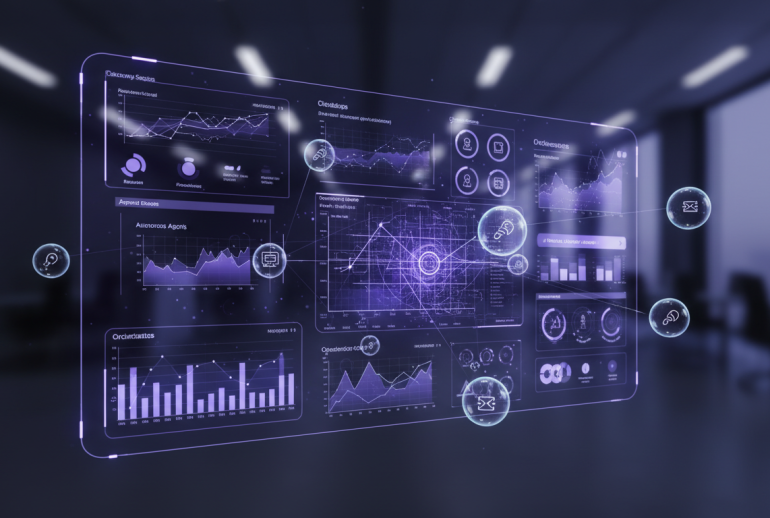
The static dashboard is dead. It has been replaced by Agentic UI—an interface where AI “agents” proactively manage workflows.
Proactive Assistance: The software identifies a supply chain bottleneck or a marketing dip before the human user even opens the app.
Background Execution: Agents perform multi-step processes—like cross-referencing spreadsheets with CRM data—and present only the “Approval Checkpoint” to the user.
Human-in-the-Loop (HITL): Design now focuses on “governance” buttons rather than “action” buttons. You don’t do the work; you manage the agents doing it.
3. Generative Interfaces: UI that Morphs in Real-Time
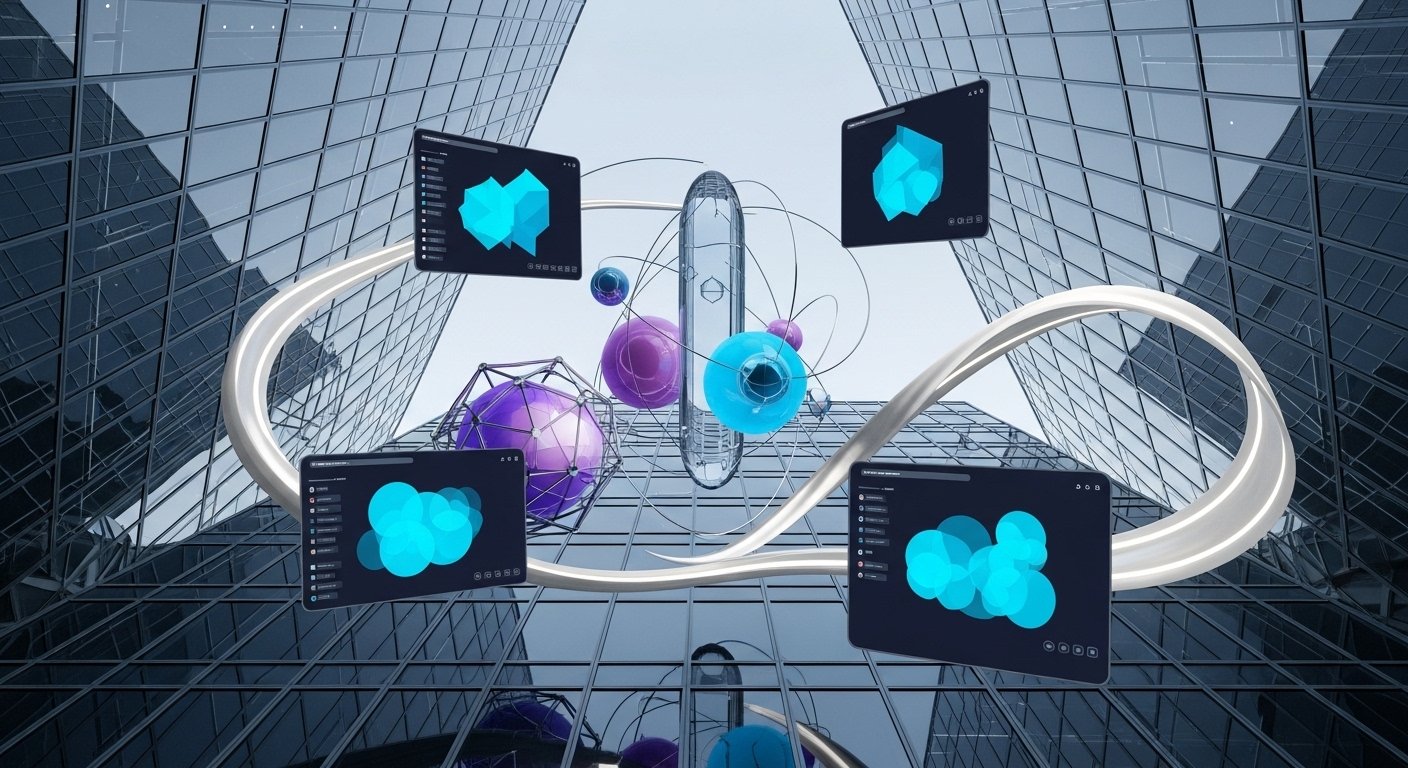
Why should every user see the same screen? Generative UI (GenUI) allows the interface to rebuild its components based on the specific context of a query.
Dynamic Component Assembly
If a user asks for a financial forecast, the UI might instantly generate a specialized slider and a 3D visualization. If they switch to a writing task, those elements vanish, and a minimalist text environment takes over. This “just-in-time” design reduces cognitive load and eliminates the need for complex, cluttered menus.
4. The Trust Layer: Designing for Human-AI Collaboration
As AI takes more control, user anxiety becomes a major hurdle. The most successful SaaS products in 2026 prioritize Explainability.
Thought Traces: Modern UI includes small, non-intrusive animations or text snippets that show how the AI reached a conclusion.
Confidence Indicators: Visual cues (like subtle color shifts) indicate how certain the AI is about a specific recommendation.
Friction on Purpose: For high-stakes decisions, designers are intentionally adding “speed bumps” to ensure a human has reviewed the AI’s autonomous action.
5. Conclusion: The Shift to Intent-Based Software
The SaaS landscape of 2026 is no longer about “Software as a Service”—it is about “Software as an Agent.” To stay relevant, product designers must stop building cages for data and start building engines for action. The future belongs to those who design for the user’s intent, not their clicks.